Monk Took Book Steam Deck and Controller
Playable, not Verified. Full d-pad menus since 0.6.3.7. Host with care.
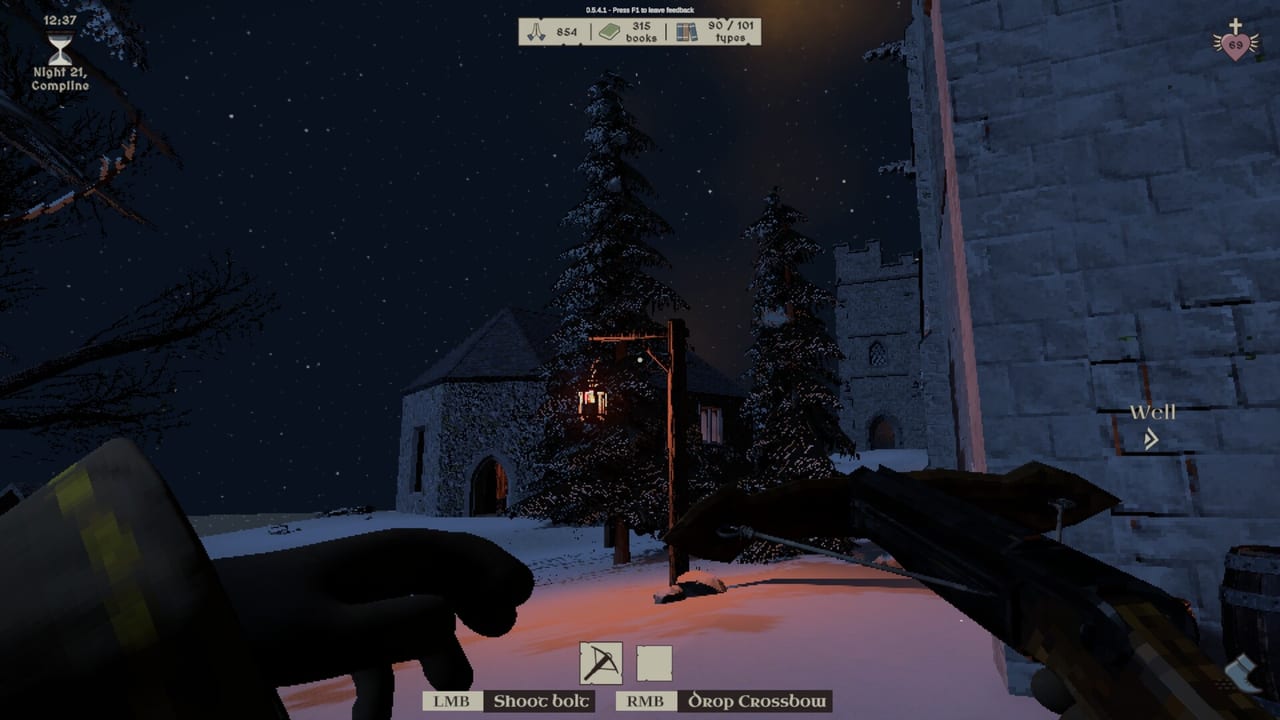
Steam lists Monk Took Book as Playable on Steam Deck, not Verified. That badge is the honest one. SquarePlay spent the Next Fest patch 0.6.3.7 on Deck-facing input: full controller and d-pad menu navigation, a virtual cursor on the left stick, a controls HUD that updates when you rebind during play, and an auto-run toggle so you are not holding a click the whole barge. You can finish a night without a mouse. You may still want a keyboard for text chat. Partial Controller Support remains the store tag. That tag is certification language, not a contradiction of the d-pad work.
This page is the handheld and gamepad companion to system requirements and controls. It will not pretend Deck is a desktop 2070. Integrated laptop chips are still unsupported on PC. Deck is a different machine with a Playable path. Treat it as a guest-friendly client first and a four-monk host last.
What Playable means on Holy Island
Playable means the abbey runs, and you should expect to tweak. Typical Deck work in this genre is lowering Max Shadows, avoiding extra fire sources you do not need, and confirming the HUD on 16:10. A hall full of physics books, bouncing embers, and four characters is the expensive picture, not the menu. If the barge hitchs when you look across the tapestry wall, drop shadows before you blame the Book Thief.
Verified would have meant SquarePlay and Valve signed a stricter checklist. They did not. Do not buy 4022090 solely because a friend said “it works on Deck” without a session on your unit. The still-live demo (app 4255310) is the correct probe: same island grammar, cannot join paid lobbies, cheap way to feel heat, fans, and thumb stamina. Probe on the same Deck that will play the paid app.
Docked Deck to a large 16:10 or ultrawide panel should use the same HUD lessons as PC. 0.5.5.3 stopped elements falling off 16:10 panels. 0.6.3.7 fixed invert Y double-toggling. Verify invert once in settings so you are not fighting the camera on the hill.
Controller map, d-pad menus, auto-run
Before 0.6.3.7, menus fought gamepads. After it, you can drive the pause tree with the d-pad and use the left stick as a virtual cursor when a slider wants a pointer. Rebinds update HUD prompts during play, which matters when you steal a face button for Place and then forget why Interact does nothing. Full key rebinding is a store feature; on Deck it is how you stop holding awkward grips for a two-hour cataloguing shift.
Auto-run exists because barge hauls from dock to hall are long, and a held click eats thumbs. Turn it on for daylight stacking. Turn it off if you keep overshooting a shelf edge with a chonky volume. It is a comfort toggle, not a speedhack. Four-player nights already run about 55 percent of solo time; auto-run does not add seconds to the night clock, it only changes how you walk.
Hotbar holster, throw, and place still need a layout you can do while holding a stack. Demo videos on PC use interact plus right mouse for place. On a gamepad, pick a bumper for place and keep throw off that same bumper. Do not bind throw next to the button you use at the well; that is how pails become missiles. Details and the PC defaults live on controls.
Text chat is Y on keyboard. On Deck, Steam’s on-screen keyboard is slow in a 55 percent night. Use proximity voice. Show monk names in options so a silent silhouette is still a name you can call. Mic levels are in settings; this wiki does not set them for you.
F1 remains the in-game feedback key. On Deck, map a combo you will actually press, or accept that you will file reports from the official address later. The 0.5.x hotfixes were fed by people who hit F1 instead of rage-quitting a hitch.
Hosting from Deck
If you host, you are the abbey. Guests inherit your world. A handheld host plus three desktop clients is a tougher night than four desks: thermal throttle, battery, and a weaker GPU budget all hit the same physics pile. Tell the lobby. Prefer a desktop host on a desktop GTX 1050 4GB or better, and let the Deck be player two.
If you must host from Deck:
- Charge, dock if you can, and drop Max Shadows first.
- Keep extra beasts and extra fires down until you know the unit holds a full day-night loop.
- Do not add fire arrows to a packed aisle. Embers are GPU work and library work.
- Manual save before you ring the belfry. Steam Cloud is on; a throttle mid-checkout is still a ruined night.
- Cap the lobby at two if four-wide hitching starts. Co-op rules stay in co-op.
Public and private lobbies, Steam invites, and copy/paste join codes all work the same as PC. Demo hosts cannot invite paid clients because the app IDs differ. That is not a Deck bug.
Performance levers that are not “buy a PC”
From the same hotfix era that pulled beasts off the loading screen: drop Max Shadows first. Then gamma if the crypt goes milky. Then extra fire sources. Then enemy, pest, and fire counts. Then book rate, which cuts physics bodies on the dock. Window versus fullscreen can matter on mixed-refresh docks. FoV draws more hall; lower it if the tapestry wall hitchs.
None of those sliders cancel the Playable warning. They are how a Playable unit stays pleasant. If the Deck still hitchs after shadows and fires are down, stop hosting and guest on a supported desktop instead. Patch notes explain why loading no longer spawns beasts and why invert Y had to be fixed twice in spirit.
Gyro is not a SquarePlay promise. Community layouts can bind it. This wiki will not publish an unofficial gyro bible as if it were a store feature. Stick to d-pad menus, the virtual cursor, auto-run, and rebinds you tested in the demo.
A twenty-minute Deck probe
- Install the demo on the Deck you will actually use.
- Set Max Shadows low, auto-run on, invert Y checked once.
- Complete one daylight barge into the hall and look across the tapestry.
- Climb a ladder with a stack, seat a torch in a holder, fill a pail at the well.
- Ring the belfry and run two minutes of night with at least one enemy type enabled.
- Open the pause tree with the d-pad and move a slider with the virtual cursor.
- If that is smooth, raise shadows one step. If it is not, this unit is a guest, not a host.
Pair the probe with getting started so you are not learning verbs during a benchmark. Combat feel is on the combat page; this page only cares whether thumbs and thermals can keep the loop readable. Launch news will not change the Playable badge. English is the only shipped language; Deck’s OS language does not localise the abbey.
Bring the layout that lets you haul, place, ring, and fetch. Leave the hero host role to a desk if the fans are already climbing during the barge. Playable is permission to play. It is not a promise to be the abbey for three other monks.
Frequently Asked Questions
Quick answers for novices tending the Holy Island library.
Is Monk Took Book Verified on Steam Deck?
No. Steam lists it as Playable. 0.6.3.7 added d-pad menus, a virtual cursor, and auto-run. Expect to drop Max Shadows in a crowded hall.
Can I finish a night with only a controller?
Yes. Menus take the d-pad after 0.6.3.7. You may still want a keyboard for text chat; proximity voice is the better four-player tool.
Should I host a four-player lobby from Deck?
Prefer a desktop host. Guests inherit the host world. Handheld thermals plus four monks is the hard case. See co-op.
What is auto-run for?
Long daylight hauls from dock to hall without holding a click. It does not extend the night timer. Toggle it off if you overshoot shelves.
Does the demo work on Deck as a test?
Yes. App 4255310 is the right hardware probe and cannot join paid lobbies. Test on the same unit that will run 4022090. See demo versus full.
Where do I rebind Deck controls?
In-game rebinds update HUD prompts. Pair them with controls and confirm invert Y once — 0.6.3.7 fixed a double-toggle bug.